Showing posts with label Dragon Age 2. Show all posts
Saturday, April 27, 2013
Trian's Maul Geometry
I forgot to post this while I was making Trian's Maul. Just a quick screenshot of the old model (left) and all the geometry I put on the new model (right).
EDIT:
Due to someone claiming I've stolen textures from Dragon Age 2 (curiously, not Dragon Age: Origins), here is a cropped screenshot (no need to show the tools window or title) comparing the Bassrath-Kata greatsword textures. On the left, mine. On the right, DA2's.
Labels:
3d modeling,
Dragon Age 2,
Dragon Age: Origins,
Photoshop
Thursday, September 6, 2012
Bassrath-Kata Longsword
I took too long with the Bassrath-Kata Longsword. The basic geometry was simple and I shaped a new sword, UV mapped it, and joined the pieces in a few hours.
The big issue was creating the wrap for it. I couldn't get my UVs to allow me to do it all in a texture easily. By easily, I mean placing a series of lines, skew them, and have them align perfectly on the mesh. The way the handle is, the UVs are slightly distorted on every polygon and no amount of unwrapping or pelting would fix that.
I had no idea how to make one using polygons. The last time I made details using splines was the Vigilance Longsword and that was...arduous to say the least. I kept stacking modifiers, collapsing, deleting all but the outlines, restacking modifiers, tweaking, and manually optimizing the resulting 8k poly lines. This time around, I decided there had to be another, better, way. This lead me on a 3 day hunt for some way to make a proper ribbon/leather strip to wrap around it.
At first, I looked for ways to make geometry/splines shrinkwrap around an object but all I found were guides for projecting in a single dimension and only if the objects boundaries didn't intersect (ball and a box instead of a coil around a pole). So, I made a spline with its points centered on the original model's texture handle wrap and moved each point close or into my handle. Then I found this forum post (http://forums.tutorialized.com/showpost.php?p=71033&postcount=3) saying how to make a decent looking wrap. Following that, I applied a loft to my helix-ish spline and now I had a handle wrap...that wasn't following the object I wrapped my spline around.
That's when I came across a nice property: Loft's Deformations rollout. This allowed me to rotate the resultant geometry around until I had a good angle, but it was too cumbersome to use on such a small scale. I was constantly placing points on the graph really close together and it didn't let me move segments of the wrap around so some were on top of others like on the texture.
So, I kept what I had done in place and went straight to the spline driving the loft. By changing all the vertices to either Bezier or Bezier Curve, I was able to both move the depth order of the segments around and change the curvature by hand. It was a bit tedious as sometimes rotating in X would instead rotate Z and each vertex had a different...twist, shall we say. This might have been alleviated by using Local mode instead of World, but I was so happy with my progress I didn't care and kept chugging along.
After that, it was a quick job with the texture, a little optimization, and off to NifSkope and the Creation Kit to put it all together.
The big issue was creating the wrap for it. I couldn't get my UVs to allow me to do it all in a texture easily. By easily, I mean placing a series of lines, skew them, and have them align perfectly on the mesh. The way the handle is, the UVs are slightly distorted on every polygon and no amount of unwrapping or pelting would fix that.
I had no idea how to make one using polygons. The last time I made details using splines was the Vigilance Longsword and that was...arduous to say the least. I kept stacking modifiers, collapsing, deleting all but the outlines, restacking modifiers, tweaking, and manually optimizing the resulting 8k poly lines. This time around, I decided there had to be another, better, way. This lead me on a 3 day hunt for some way to make a proper ribbon/leather strip to wrap around it.
At first, I looked for ways to make geometry/splines shrinkwrap around an object but all I found were guides for projecting in a single dimension and only if the objects boundaries didn't intersect (ball and a box instead of a coil around a pole). So, I made a spline with its points centered on the original model's texture handle wrap and moved each point close or into my handle. Then I found this forum post (http://forums.tutorialized.com/showpost.php?p=71033&postcount=3) saying how to make a decent looking wrap. Following that, I applied a loft to my helix-ish spline and now I had a handle wrap...that wasn't following the object I wrapped my spline around.
That's when I came across a nice property: Loft's Deformations rollout. This allowed me to rotate the resultant geometry around until I had a good angle, but it was too cumbersome to use on such a small scale. I was constantly placing points on the graph really close together and it didn't let me move segments of the wrap around so some were on top of others like on the texture.
So, I kept what I had done in place and went straight to the spline driving the loft. By changing all the vertices to either Bezier or Bezier Curve, I was able to both move the depth order of the segments around and change the curvature by hand. It was a bit tedious as sometimes rotating in X would instead rotate Z and each vertex had a different...twist, shall we say. This might have been alleviated by using Local mode instead of World, but I was so happy with my progress I didn't care and kept chugging along.
After that, it was a quick job with the texture, a little optimization, and off to NifSkope and the Creation Kit to put it all together.
Wednesday, August 15, 2012
Trends of the people
I released the Vigilance Greatsword on the Skyrim Workshop because I didn't think keeping it to myself was right. Not exactly in those terms, though. It was more like something I felt I should do because, well, why not? If I kept it to myself, it'd be something I'd hold onto for a bit and no one would be the wiser. While that has a certain appeal, I released the sword anyways.
Upon release, I had several requests to do other swords and figured it would be a good idea since I had tried for so long to get into 3d Modeling and forgetting all I had learned would be both frustrating and a waste. So, off I went to create more weapons. Sure, I haven't grabbed a huge audience, but I smile every time someone thanks me.
Every subsequent release garnered more requests to do weapons. Sometimes I'd do them (either because I was going to do them anyway/already doing them or I liked the weapon), other times, I wouldn't. Now, though, I've been watching the comments shift to "make armor X". Everywhere I turn it's an armor request.
I just have an aversion to making armor. If you've read or even used my leather duster mod for Skyrim, you'd know what I'm talking about. Random vertices not showing, polys "wobbling" when bones move (makes it hard to gauge where problem spots are ingame), the mesh not showing at all, etc. It's some setting I didn't check/uncheck upon export, a default setting that screws everything up, some obscure work around I'd have never guessed, or I haven't done the same thing a dozen times for it to magically work yet (mostly this).
Setting the skin weights is easy, if tedious. I just hate all the little things that go wrong whose only solution has been to try the same exact thing over and over until it works and, well, that's almost always been the case. Meshes just magically work for no apparent reason. The only thing that's changed is my frustration level (is that some sort of requirement for making armor?).
Now, the solution should be simple then, make the mesh and have someone else rig it! Eehhhh, I really like to do stuff on my own. I also figure that the more I know how to do, the more likely I'll a) do it and b) be able to legitimately claim it in a job interview. As Jim Rivers, the Hiring Manager at Obsidian Entertainment, said, (some paraphrasing here) "Don't put anything on your resume that you aren't comfortable with because it is my job to put your skills to the test and make you break. And I'm good at my job."
Upon release, I had several requests to do other swords and figured it would be a good idea since I had tried for so long to get into 3d Modeling and forgetting all I had learned would be both frustrating and a waste. So, off I went to create more weapons. Sure, I haven't grabbed a huge audience, but I smile every time someone thanks me.
Every subsequent release garnered more requests to do weapons. Sometimes I'd do them (either because I was going to do them anyway/already doing them or I liked the weapon), other times, I wouldn't. Now, though, I've been watching the comments shift to "make armor X". Everywhere I turn it's an armor request.
I just have an aversion to making armor. If you've read or even used my leather duster mod for Skyrim, you'd know what I'm talking about. Random vertices not showing, polys "wobbling" when bones move (makes it hard to gauge where problem spots are ingame), the mesh not showing at all, etc. It's some setting I didn't check/uncheck upon export, a default setting that screws everything up, some obscure work around I'd have never guessed, or I haven't done the same thing a dozen times for it to magically work yet (mostly this).
![]() | ||
| Before Moving Bones |
![]() | |
| After Moving Bones. Note the size difference, both legs have the same weights. |
Now, the solution should be simple then, make the mesh and have someone else rig it! Eehhhh, I really like to do stuff on my own. I also figure that the more I know how to do, the more likely I'll a) do it and b) be able to legitimately claim it in a job interview. As Jim Rivers, the Hiring Manager at Obsidian Entertainment, said, (some paraphrasing here) "Don't put anything on your resume that you aren't comfortable with because it is my job to put your skills to the test and make you break. And I'm good at my job."
Labels:
3d modeling,
Dragon Age 2,
just writing,
Skyrim
Tuesday, July 31, 2012
Bassrath-Kata Longbow - Update
I managed to trim the number of polygons down to around 8.5k. It'll be the highest poly weapon model I've made, but I'm not going to reduce it further. There are still some areas with really small polygons that look essential but I'm not sure should stay, so there may be more work done on this front. For now, I'm working on coloring in the texture's shapes. No details, just color. I still have to make a string for this.
The addition of grooves barely affects the overall geometry, but the shading effect is quite noticeable and, I believe, justifies nearly increasing the polycount tenfold.
Sunday, July 29, 2012
Bassrath-Kata Longbow Progress
Considering how I've only remade melee weapons from Dragon Age 2, I figured I'd give ranged a shot (no pun intended at time of writing. Now, though, I intend it.) So, I started with what looked to be the easiest bow to make: Bassrath-Kata/Cynoeswr Sain.
I got the basic geometry down and was at about 950 polys. "Not bad," I thought. "I have some room for more detail." Then I looked at the normal map of the original weapon. 3 hours later and I was up to 12.5k polys. Yeah...I'd better trim that down. Curse you MeshSmooth!
So, now I'm going through and removing unnecessary edges and trying to fix all the smoothing errors (some are quite stubborn). Once I finish that, I have to make the bowstring, the texture, and rig the mesh to Skyrim's bow skeleton.
I got the basic geometry down and was at about 950 polys. "Not bad," I thought. "I have some room for more detail." Then I looked at the normal map of the original weapon. 3 hours later and I was up to 12.5k polys. Yeah...I'd better trim that down. Curse you MeshSmooth!
So, now I'm going through and removing unnecessary edges and trying to fix all the smoothing errors (some are quite stubborn). Once I finish that, I have to make the bowstring, the texture, and rig the mesh to Skyrim's bow skeleton.
Monday, June 11, 2012
Texturing just got streamlined
Okay, so, when I export a model's UV to Photoshop, I use 3ds Max's "Render UV template" function. This produces a raster image I then import into Photoshop and trace vectors over. Needless to say, this can get tedious. Especially when I make major changes to the UV.
So, I sought out a way to turn those vertices on the UV into vertices on a vector. In the end, I came across Render Pass Manager's PSDPathUnwrapper...and it works beautifully.
Now, I can simply apply the mesh's path to a layer and cut out the bits I want instead of tracing using the Pen tool. I've already made major changes to the UV and they only took a couple minutes to setup again in Photoshop. No moving around, no zooming in to the pixel level to align vertices, and no complete retraces for broken/merged elements.
So, I sought out a way to turn those vertices on the UV into vertices on a vector. In the end, I came across Render Pass Manager's PSDPathUnwrapper...and it works beautifully.
![]() | |
| The mesh in 3ds Max |
![]() | |
| The resulting path in Photoshop |
Friday, June 8, 2012
Vigilance Longsword - Progress
In my attempts to duplicate the Vigilance Longsword from the Dragon Age game series, I've come up against quite a conundrum: Adding the gold filigree.
I want it in physical detail because a) it makes occlusion better and b) it really helps align textures. The problem I'm having is not making, but rather conforming it to the base mesh.
I created polys, gave them dimension, and smoothed them, but they were completely flat on one side. This wasn't a problem for the greatsword as it was pretty much entirely flat. The longsword is anything but. The design is more, I guess, organic with a lot of curved surfaces that make slapping flat details on a problem. I tried using conform, but that flattens the filigree and introduces weird artifacts (i.e. it stretches polygons through the model for some reason).
So, I've selected the borders I had on the open sides and created splines from them (the "create shape from selection" option). Next up, I'm going to increase spline interpolation, reshape as needed, conform the edited splines, get the outlying vertices matched up with the base mesh ('snap to surface' and 'axis constraints' toggles combined with the move tool), and use a series of modifiers to give it all dimension.
I don't think I'll cut out the filigree and fuse it to the base mesh like I did for the greatsword. That introduces too many polys. Additionally, I'll probably use the texture I made the normal map instead of generating one from a meshsmoothed highpoly version of the model. From experiments on the greatsword, this method produces better results in-game and means I don't have to comb a 20k+ poly mesh for imperfections introduced by MeshSmooth (Although, generating and AO or normal map from that will show you where the imperfections are. Just look for odd shadows or broken gradients).
I want it in physical detail because a) it makes occlusion better and b) it really helps align textures. The problem I'm having is not making, but rather conforming it to the base mesh.
![]() |
| Base on left (purple). Filigree on right (the splines). |
I created polys, gave them dimension, and smoothed them, but they were completely flat on one side. This wasn't a problem for the greatsword as it was pretty much entirely flat. The longsword is anything but. The design is more, I guess, organic with a lot of curved surfaces that make slapping flat details on a problem. I tried using conform, but that flattens the filigree and introduces weird artifacts (i.e. it stretches polygons through the model for some reason).
So, I've selected the borders I had on the open sides and created splines from them (the "create shape from selection" option). Next up, I'm going to increase spline interpolation, reshape as needed, conform the edited splines, get the outlying vertices matched up with the base mesh ('snap to surface' and 'axis constraints' toggles combined with the move tool), and use a series of modifiers to give it all dimension.
I don't think I'll cut out the filigree and fuse it to the base mesh like I did for the greatsword. That introduces too many polys. Additionally, I'll probably use the texture I made the normal map instead of generating one from a meshsmoothed highpoly version of the model. From experiments on the greatsword, this method produces better results in-game and means I don't have to comb a 20k+ poly mesh for imperfections introduced by MeshSmooth (Although, generating and AO or normal map from that will show you where the imperfections are. Just look for odd shadows or broken gradients).
Wednesday, May 30, 2012
Staff of Parthalan Progress
I gave up on making UV maps for the branches on the staff. Every time I tried to make some, I ran into scaling issues. On the plus side, I learned how to set seams for Pelt unwrapping.
Utilizing my newly gained skills, I split the branches with abandon and scaled them to around the same size. Then, I split the staff's shaft and flattened it out to run all the way around end to end. This is where I ran into an issue with texture stretching.
To fix the stretching, I tried to set the UV vertices in their same relative spacing as their mesh counterparts. This didn't work so well. That's when I found the "Show Edge Distorition" option under the Display menu of the Edit UVWs window. Checking that colors all your edges green or red depending on how much distortion there is (as seen above).
Distortion fixed, I exported the model into Mudbox and fumbled my way around the UI. Once I got the hang of the projection mapping, I used the stock stencils to paint my textures. After that, I exported all the layers into Photoshop for some fine tuning.
All I have left to do now is make the texture for the transition piece that holds the shaft and blade together. Alright, maybe some more tweaking...THEN I'll put it in-game.
Utilizing my newly gained skills, I split the branches with abandon and scaled them to around the same size. Then, I split the staff's shaft and flattened it out to run all the way around end to end. This is where I ran into an issue with texture stretching.
![]() |
| Green means no distortion. Red means distortion. Green+red means a little of both. |
Distortion fixed, I exported the model into Mudbox and fumbled my way around the UI. Once I got the hang of the projection mapping, I used the stock stencils to paint my textures. After that, I exported all the layers into Photoshop for some fine tuning.
All I have left to do now is make the texture for the transition piece that holds the shaft and blade together. Alright, maybe some more tweaking...THEN I'll put it in-game.
Monday, May 28, 2012
Uv mapping = headache
I've been working on duplicating the Staff of Parthalan for a few days now. Sadly, I traced my shape off the original mesh because I really wanted the gem's branches perfect. So, they're set, but man, are they hard to make a UV map for.
The splines I used to trace and then fill out to make the branches no longer fit due to mesh smoothing (and the clean up/optimization that entails). I had them generate their own mapping coordinates prior to editable poly conversion, but they created rectangles (good) that didn't align with themselves (bad). Additionally, scaling them around to be seamless with the rest of the staff was difficult. So, I'm going back and breaking them off into elements again (had to collapse for smoothing to work right) in order to make selecting them easier.
Hopefully I'll have an epiphany on how to do this right. Otherwise, I'm going to break this up into multiple models, paint on them using Mudbox (never used it before), and assemble everything using nifskope.
The splines I used to trace and then fill out to make the branches no longer fit due to mesh smoothing (and the clean up/optimization that entails). I had them generate their own mapping coordinates prior to editable poly conversion, but they created rectangles (good) that didn't align with themselves (bad). Additionally, scaling them around to be seamless with the rest of the staff was difficult. So, I'm going back and breaking them off into elements again (had to collapse for smoothing to work right) in order to make selecting them easier.
Hopefully I'll have an epiphany on how to do this right. Otherwise, I'm going to break this up into multiple models, paint on them using Mudbox (never used it before), and assemble everything using nifskope.
Tuesday, May 1, 2012
Vigilance Greatsword released on Skyrim Workshop
Pretty much the title. After a month or so of working on it, I've release my recreation of the Vigilance Greatsword. You can grab it here: http://steamcommunity.com/sharedfiles/filedetails/?id=54553393
Labels:
3d modeling,
Dragon Age 2,
release,
Skyrim,
steam
Saturday, April 28, 2012
Vigilant Update
I've been hard at work tweaking the mesh for the Vigilance Greatsword remake. I need to stop tweaking it at some point. I'm already at a rather high number of polys according to the overlay.
The diffuse texture is just basic colors and shapes right now. I worked on the blade today and got it looking kind of how I want it. The key will be getting the specular right. The only specular maps I've made were ones for when I was messing around in Source creating basic textures. Making one for a model is a bit different (Desaturate diffuse!).
I have no idea how I'm going to make the textures for the rest of the sword. The blade was easy because a) I found a tutorial that came close to what I wanted and b) it isn't intricate. The rest of the sword has a lot of little details I need to take into account and I'm not entirely sure what they should look like.
Yes, I have the original texture and made a high def retexture, but that was simply copying what was already there by using the bevel, outer/inner glow, satin, and pattern overlay layer styles. Fake shading everywhere. I tried doing that again and...well...it looked terrible.
I think what is making the texture really hard is me. I want to keep this as scalable as possible and stick with vectors. But there is no point to doing that. I have it at 1024x2048 and anything larger is wasted space on what little vram I have. I need this to sink in.
Once this is finished, I think I'll release it on the Skyrim workshop. If I do that, I'm going to look into making glowing gems, adding flames, and a blood splatter mesh. I don't know why I want this sword so much, but the skills/experience I'm picking up are worth it.
![]() |
| Original mesh on bottom. My mesh on top. Oh..missing edge. Fixing now... |
The diffuse texture is just basic colors and shapes right now. I worked on the blade today and got it looking kind of how I want it. The key will be getting the specular right. The only specular maps I've made were ones for when I was messing around in Source creating basic textures. Making one for a model is a bit different (Desaturate diffuse!).
I have no idea how I'm going to make the textures for the rest of the sword. The blade was easy because a) I found a tutorial that came close to what I wanted and b) it isn't intricate. The rest of the sword has a lot of little details I need to take into account and I'm not entirely sure what they should look like.
Yes, I have the original texture and made a high def retexture, but that was simply copying what was already there by using the bevel, outer/inner glow, satin, and pattern overlay layer styles. Fake shading everywhere. I tried doing that again and...well...it looked terrible.
I think what is making the texture really hard is me. I want to keep this as scalable as possible and stick with vectors. But there is no point to doing that. I have it at 1024x2048 and anything larger is wasted space on what little vram I have. I need this to sink in.
Once this is finished, I think I'll release it on the Skyrim workshop. If I do that, I'm going to look into making glowing gems, adding flames, and a blood splatter mesh. I don't know why I want this sword so much, but the skills/experience I'm picking up are worth it.
Labels:
3d modeling,
Dragon Age 2,
Photoshop,
Skyrim
Thursday, April 19, 2012
Getting carried away
I've nearly finished my texture for the Vigilance Greatsword. All that's left is the base material for the body and blade. Right now, my main complaint is how I used the bevel tool to give it a glossy look instead of relying on the specular map.
The odd way it looks in game brought my attention to something rather obvious: the sword is flat. No details. Just the normal map faking geometry. So, while the character modelling tutorial series I'm following is stalled, I'm remaking the sword.
![]() |
| Original on left. Remake using vectors on right. |
The odd way it looks in game brought my attention to something rather obvious: the sword is flat. No details. Just the normal map faking geometry. So, while the character modelling tutorial series I'm following is stalled, I'm remaking the sword.
![]() |
| Original mesh on bottom. My recreation on top. |
So far, I have the base of the sword (blue) and most of the details. I'm not using any smoothing right now and I'm trying to keep it as low poly as I can without sacrificing too much accuracy to the original detail. I'm hoping recreating the mesh, instead of modifying the original one, will help me avoid all those weird edge loops (or lack thereof).
Since I'm remaking everything, I'm going to change how the UV map is laid out. Right now, the official UV mapping breaks the grip 3/4 of the way up with the last 1/4 on the crossguard. Additionally, the blade UV is broken at the end of the details in the above image.
This makes it hard to recreate the texture as I need to account for the rotation and slight downscaling in the UV. From the positioning, I can understand why they'd do it that way; it is condensed into a smaller 256x512 frame instead of a square 512x512. But this is 2012 and I might as well push my 512MB 9800gt to the limit. So, I'm going to explore different layouts and see if I can make a better UV that keeps both the grip and the blade in their respective continuous sections.
I'm hoping I can get 3DS Max to behave and actually generate a normal map for me to use. The last time I tried to generate a normal map for a model, it gave me empty images. If it fails to do so, I'll do it by hand. Well, I'm not sure you can call the Nvidia NormalMap plugin doing it by hand, but I'll have to reprocess my vector texture and modify the plugin's output before sending it through a second time.
Wednesday, April 4, 2012
Another day, another project
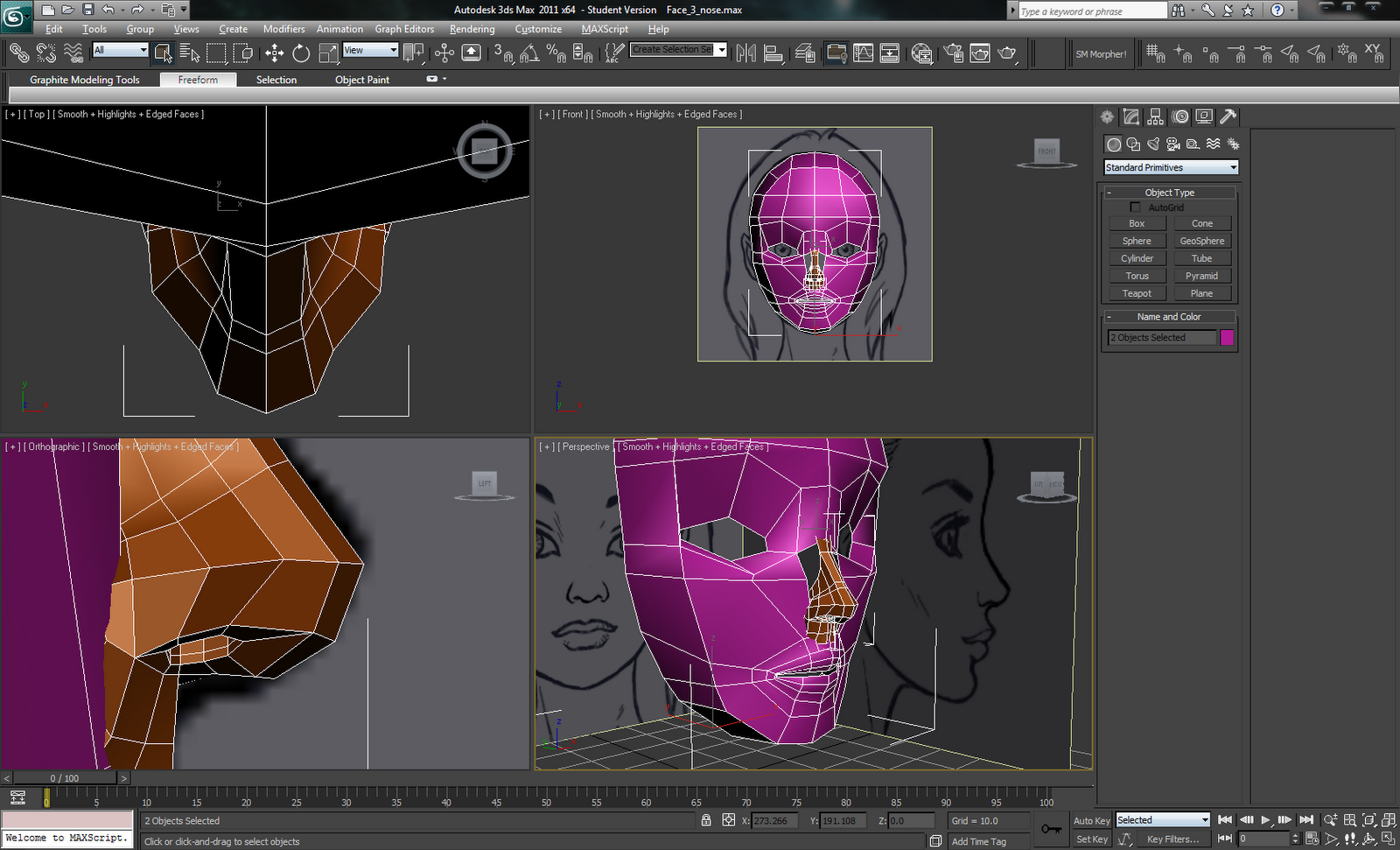
Iwkya1 has been continuing his 3d character modelling tutorials. Lately, it's been eyes, mouth, and nose. It's rather interesting how you can get such a low poly shape that (more or less) accurately represents rather complex features. I had thought you'd go all out and make it as high poly as possible, then reduce it down so you preserve what you want while still having a high poly version to do baking.
I know I shouldn't, but I'm waiting for Iwkya1 to merge the meshes together. I want to see if he has some trick to it.
I haven't been doing a lot of mapping for myself lately. Right now, I'm working on a little scene for a mod and making its logo. I think I'm going to revisit an idea that didn't work and make it so I can finish Test Map Pack 4.
I've imported the Vigilance Greatsword from Dragon Age 2 into Skyrim. I liked it in both Awakening and DA2. Being that it was never obtainable in game, the HD texture pack for DA2 didn't include a higher res version. So, I've been recreating every little piece of it using vectors in Photoshop so I can scale it up easier.
The mesh is low poly but uses what appears to be a high poly generated normal map. I scaled that up using Bicubic Smooth enlargement to double its size in 10% increments. Then, I used the blur tool to get rid of pixelation (probably not the best solution, but it worked).
These are old pics of Vigilance I was using to see what was wrong. I'm correcting things now.
Maybe I should email the devs and ask if they could release/send me the higher res texture. Asking for the mesh would probably raise some flags.
I know I shouldn't, but I'm waiting for Iwkya1 to merge the meshes together. I want to see if he has some trick to it.
![]() |
I haven't been doing a lot of mapping for myself lately. Right now, I'm working on a little scene for a mod and making its logo. I think I'm going to revisit an idea that didn't work and make it so I can finish Test Map Pack 4.
I've imported the Vigilance Greatsword from Dragon Age 2 into Skyrim. I liked it in both Awakening and DA2. Being that it was never obtainable in game, the HD texture pack for DA2 didn't include a higher res version. So, I've been recreating every little piece of it using vectors in Photoshop so I can scale it up easier.
The mesh is low poly but uses what appears to be a high poly generated normal map. I scaled that up using Bicubic Smooth enlargement to double its size in 10% increments. Then, I used the blur tool to get rid of pixelation (probably not the best solution, but it worked).
These are old pics of Vigilance I was using to see what was wrong. I'm correcting things now.
Maybe I should email the devs and ask if they could release/send me the higher res texture. Asking for the mesh would probably raise some flags.
Labels:
3d modeling,
Dragon Age 2,
mapping,
Photoshop,
Skyrim
Wednesday, March 14, 2012
Mixing Games
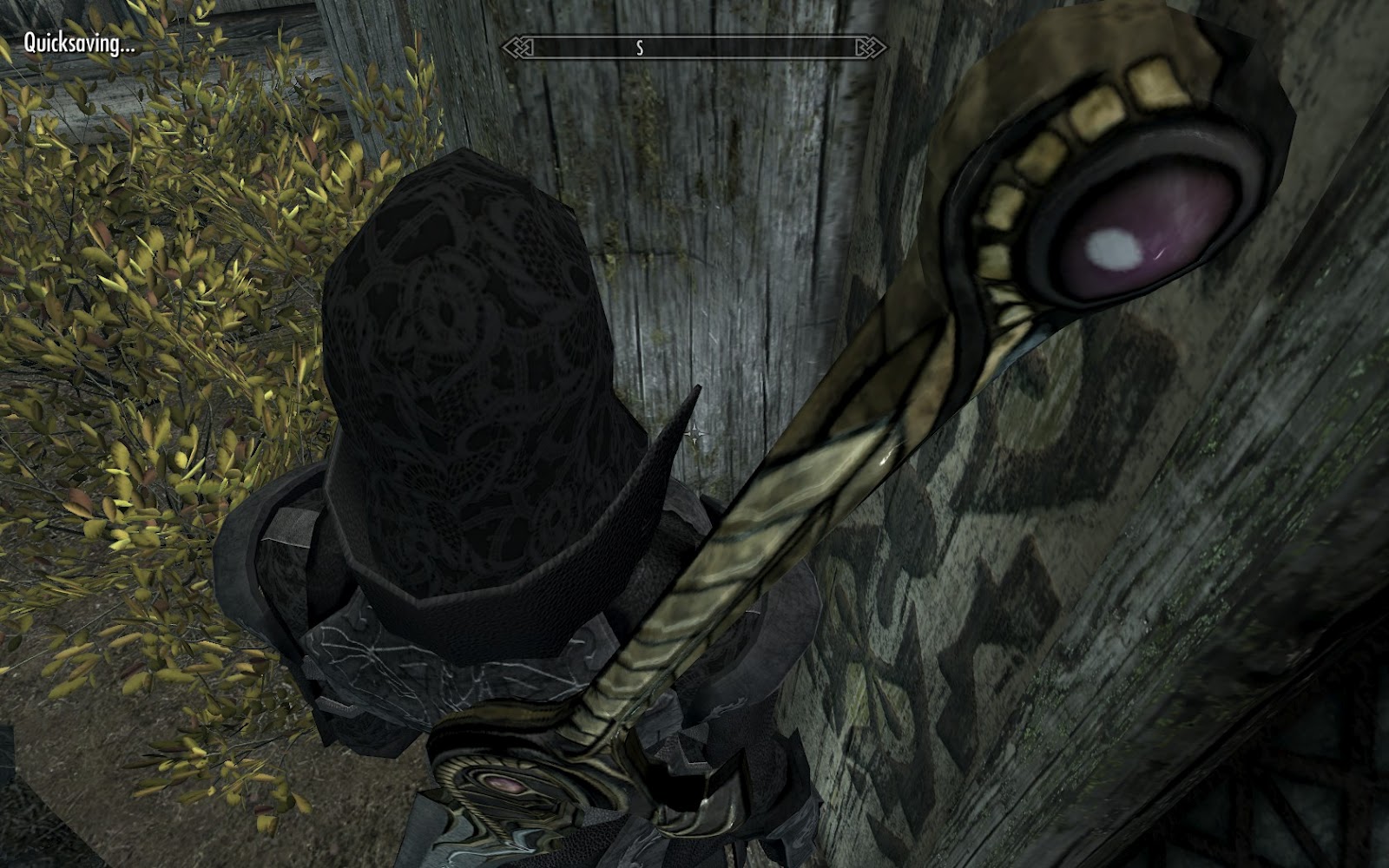
I've been playing Skyrim for a month and, well, I got really bored of J'zargo running around in Daedric Armor. It was great and all, but seeing it over and over made it an eyesore.
So, I switched out my DragonPlate Armor for the Daedric Set and ran around in that for a while.
And again, I got bored of seeing DragonPlate on him. This time, though, I set out to do something different. Something to curb my desire to hop into Dragon Age 2 and give me something better to look at: I set out to port a Dragon Age 2 armor set into Skyrim. I eventually settled on the Blood Dragon armor.
Disclaimer:
I know porting game content from one to another and releasing it is, in most cases, illegal. I never had any intention on release and never will release it. There are way too many bugs and inconsistencies and I would rather make my own than release someone else's work (though it took a ton for me to get it working).
Now, I had barely scratched the surface of what the XSI Mod Tool could do after finishing the Colt-1911 tutorial that ever so conveniently left out the skinning part a few weeks prior. Anyways, every search result I found for manipulating Dragon Age 2 meshes involved Lightwave, Blender, or 3DS Max, no XSI, anywhere. Since I hated the Blender UI the last time I tried it, never heard of Lightwave, and had to make an account just to get the Mod Tool, I decided to finally take advantage of said account and get a student version of 3DS Max 2011. I wasn't sure 2012 would work with the plugins I found, so I went with the safer option.
To keep in line with my disclaimer, I'm also not going to explain what I did so as to avoid telling you how to do this on your own.
Needless to say, diving straight into 3DS Max was difficult. I was constantly trying to navigate using either Hammer or XSI's keyboard shortcuts. So, I watched several tutorials and got a better feel for the UI. A week of crash course learning later and, voila, J'zargo in Blood Dragon Armor:
There were some issues with the model such as using the wrong flags for the armor piece and the ever annoying proportion mismatch between Dragon Age 2 and Skyrim.
Here's some differences I found between the games:
The female version is just broken. It looks great in NifSkope and 3DS Max, but in game the vertices on the upper spine are missing (I can see the ground through my back), the breastplate is crumpled like she braced a fall with her bosom, and, as mentioned before, the fingers are way, way off (think Hagraven fingers).
It was great while I had J'zargo, but The Companions' quest line progressed to the point where he was forcibly removed from my party. Now, I have the uncustomizable Vilkas floating around, taunting the walls; Meeko, placing his terrible collision box in the MIDDLE of doorways, unable to move backwards, always insisting on moving forward to get out of my way or just not moving at all; and Shadowmere, who just loves charging into massive groups of enemies trying to pull off a Frost-like suicide.
![]() |
| The armor was getting rather dull in both viewing frequency and color |
So, I switched out my DragonPlate Armor for the Daedric Set and ran around in that for a while.
![]() | |
| Cheese! |
And again, I got bored of seeing DragonPlate on him. This time, though, I set out to do something different. Something to curb my desire to hop into Dragon Age 2 and give me something better to look at: I set out to port a Dragon Age 2 armor set into Skyrim. I eventually settled on the Blood Dragon armor.
Disclaimer:
I know porting game content from one to another and releasing it is, in most cases, illegal. I never had any intention on release and never will release it. There are way too many bugs and inconsistencies and I would rather make my own than release someone else's work (though it took a ton for me to get it working).
Now, I had barely scratched the surface of what the XSI Mod Tool could do after finishing the Colt-1911 tutorial that ever so conveniently left out the skinning part a few weeks prior. Anyways, every search result I found for manipulating Dragon Age 2 meshes involved Lightwave, Blender, or 3DS Max, no XSI, anywhere. Since I hated the Blender UI the last time I tried it, never heard of Lightwave, and had to make an account just to get the Mod Tool, I decided to finally take advantage of said account and get a student version of 3DS Max 2011. I wasn't sure 2012 would work with the plugins I found, so I went with the safer option.
To keep in line with my disclaimer, I'm also not going to explain what I did so as to avoid telling you how to do this on your own.
Needless to say, diving straight into 3DS Max was difficult. I was constantly trying to navigate using either Hammer or XSI's keyboard shortcuts. So, I watched several tutorials and got a better feel for the UI. A week of crash course learning later and, voila, J'zargo in Blood Dragon Armor:
There were some issues with the model such as using the wrong flags for the armor piece and the ever annoying proportion mismatch between Dragon Age 2 and Skyrim.
![]() | |
| If you ignore the ice spike in his noggin, you'll see his hands are rather...off. I fixed the knees later. |
- Skyrim's human women are modeled to be the same height as men, then later scaled in-game
- Dragon Age 2's human women are shorter at the model level, not in-game (they might be scaled later as well, never looked into it).
- Dragon Age 2's humans have shorter arms compared to Skyrim's
- Skyrim's women have large manly hands compared to the petite ones of Dragon Age 2. I'm talking Mossman's mitts from Half-Life 2 here.
The female version is just broken. It looks great in NifSkope and 3DS Max, but in game the vertices on the upper spine are missing (I can see the ground through my back), the breastplate is crumpled like she braced a fall with her bosom, and, as mentioned before, the fingers are way, way off (think Hagraven fingers).
It was great while I had J'zargo, but The Companions' quest line progressed to the point where he was forcibly removed from my party. Now, I have the uncustomizable Vilkas floating around, taunting the walls; Meeko, placing his terrible collision box in the MIDDLE of doorways, unable to move backwards, always insisting on moving forward to get out of my way or just not moving at all; and Shadowmere, who just loves charging into massive groups of enemies trying to pull off a Frost-like suicide.
Labels:
3d modeling,
Dragon Age 2,
games,
modding,
Skyrim
Subscribe to:
Posts (Atom)